
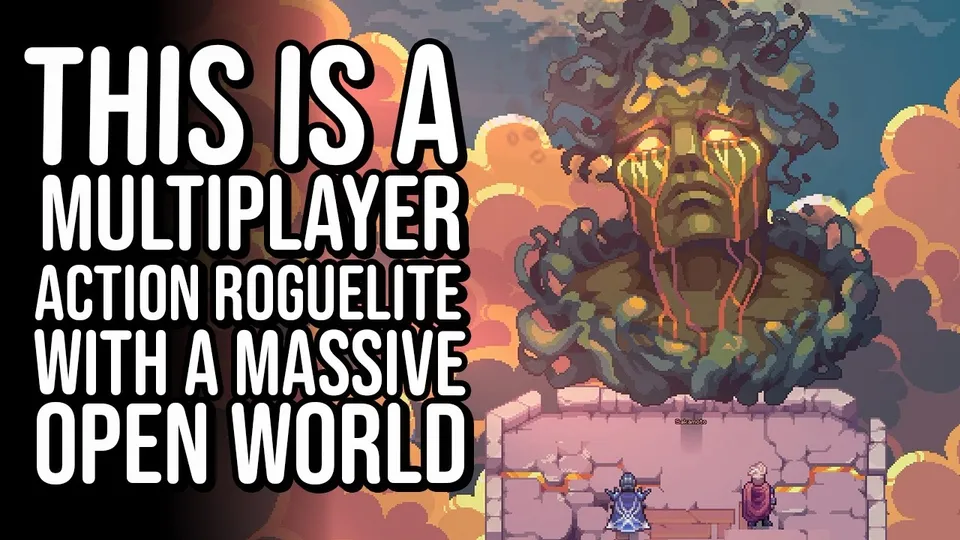
Soulbound: Online PC Client Guide
Spiderware shipped a cross-platform desktop client ahead of Steam Early Access so Pioneers can run Soulbound: Online at higher frame rates than the embedded browser or Discord Activity builds. The PC client uses the same Spiderware account, skills, quests, and economy as soulbound.game — it is not a separate game. This guide covers installation paths, performance tuning, and what changes when you move from browser tabs to a native window before and after the July 21, 2026 launch.
What the PC Client Adds
The desktop client wraps the live MMO in a dedicated window with better input latency for manual weapon mode, clearer UI scaling on 1440p and 4K monitors, and Steam library integration during Early Access. Official blog posts highlight 200 fps+ potential on high-refresh displays when hardware allows — far above typical Discord embedded browser caps.
You still access the same overworld shards, beacon dungeons, homestead apartments, and Arcadia economy. Co-op rules, Home Portal extraction, and Pioneer Guild contracts behave identically. The client simply removes browser tab overhead and Discord overlay conflicts that cause missed dodges during bullet-heaven phases.
Browser and Discord remain supported indefinitely according to Spiderware press materials. Treat the PC client as a performance upgrade, not a mandatory migration — unless you want Steam achievements, overlay, and offline-ready patching tied to your library.
Installation Before Early Access
During Steam Next Fest, install the demo from the Steam store page — the demo executable is the same technology stack as the Early Access client. Link your existing soulbound.game login inside the Game Menu before grinding demo hours so cosmetics and account flags align.
Minimum specs published on Steam list Windows 10 64-bit, Intel Core i5-10400F or AMD Ryzen 5 3600, 4 GB RAM, GTX 1650 or RX 570, and 800 MB storage. Recommended specs jump to 16 GB RAM and RTX 3060 Ti class GPUs for dense Spectra raid particle effects. See our Steam Early Access launch guide for wipe and launch-day notes.
If you only play on Discord today, download the client in parallel and test Eastern Reach with keyboard and mouse controls remapped for desktop — muscle memory transfers faster than learning bindings on launch night.
Performance and Settings
Open Options → Graphics after first login. Lower particle density if Tier 3 beacon rooms stutter; raise render scale only after confirming stable 60 fps during co-op revives. Disable unrelated Discord hardware acceleration if you run both clients on one machine.
Steam Input supports controller and Steam Deck layouts — map abilities to bumpers before attempting Spectra prep. Manual aim mode benefits most from mouse precision; keep Fortify or Healing Pulse on keyboard keys you can hit without moving off movement keys.
Use wired networking for Abyssal Raid events and mining competitions where split-second server ticks matter. Wi-Fi is fine for Virelda questing but risky when extracting Tier 2 loot you cannot afford to lose.
Account Linking Across Platforms
One Spiderware account remains logged in at one location. Close the browser tab before launching the PC client to avoid forced logout prompts. Game Menu → Account shows linked Discord, email, or social logins — add a backup email before Steam Early Access progress resets.
Progression syncs skills, bank storage, apartments, and quest flags. Demo-only leaderboard stats may differ from live service — confirm patch notes when transitioning from Next Fest to EA.